Find a listing worth opening
Search with the exact series, model or Japanese product name. A sold listing is not available to purchase, and an active listing can sell before your request is completed. If results are too broad, try an exact model code or one relevant Japanese condition term rather than adding unrelated keywords.
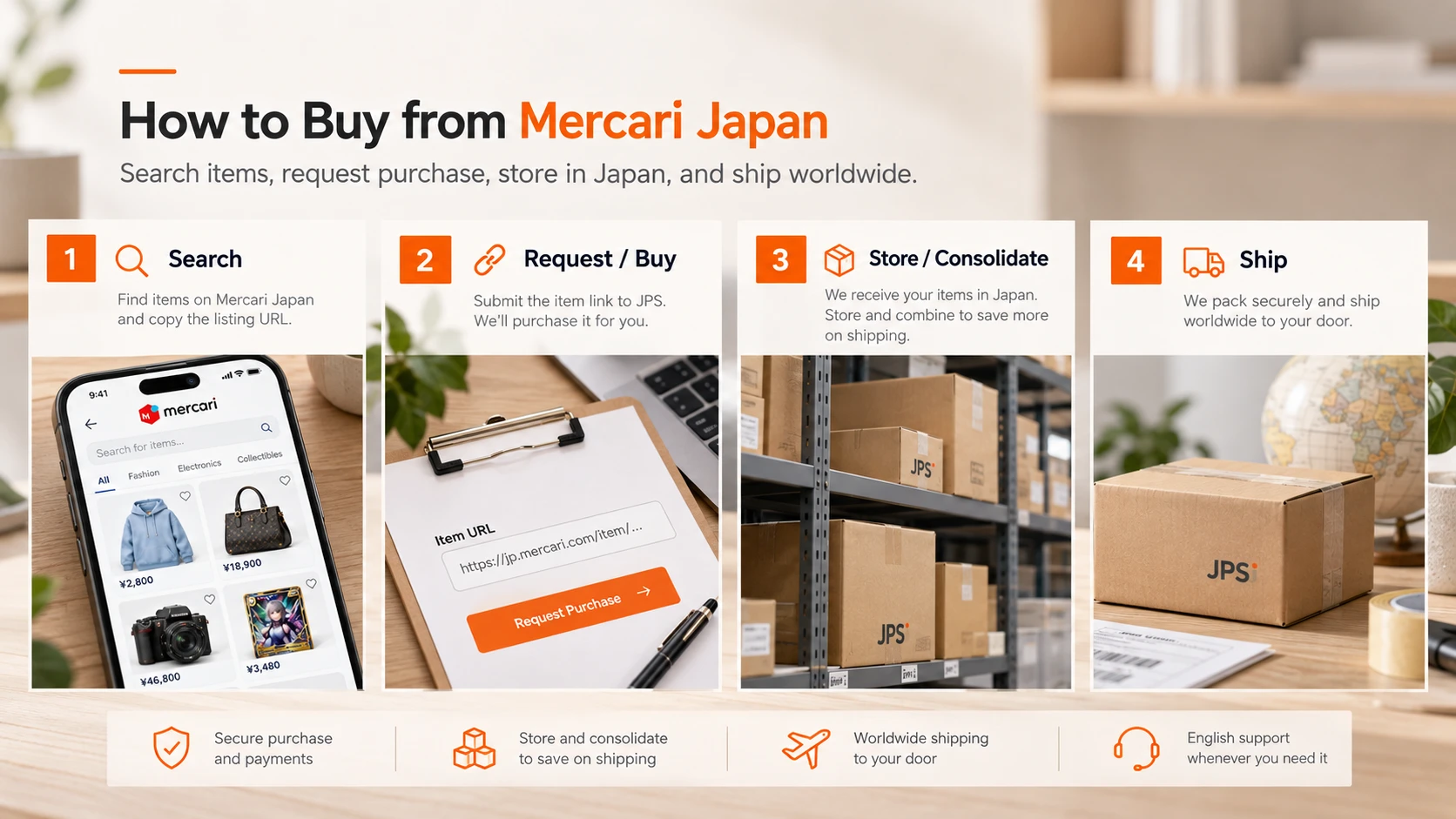
1. Open the full listing
Confirm:
Do not buy from search-result thumbnails alone.
- seller
- title
- price
- condition
- photos
- included accessories
- Japan domestic shipping
- purchase restrictions
2. Use photos as condition evidence
For used goods, photos may matter more than the broad marketplace condition label.
Look for:
- scratches
- stains
- fading
- repairs
- missing parts
- packaging damage
3. Recognize useful Mercari terms
Always read the full seller wording.
- 送料込み — shipping included
- 即購入可 — immediate purchase allowed
- 専用 — reserved/private listing context
- 匿名配送 — anonymous delivery
- 目立った傷や汚れなし — no noticeable scratches or stains
4. Add to Cart and review the approval
On the product page, choose Add to Cart. Sign in if prompted, then open My orders and the item's Detail view. Adding an item is a purchase request, not a reservation or a completed marketplace purchase.
During Cart approval, JPS checks whether the listing can be bought and reviews the Japan-side costs. Wait for the Payment needed action rather than treating a wallet top-up as payment for this item. Check the exact listing, quantity, seller and any notes before continuing.
- seller
- exact listing
- price
- variation where relevant
5. Pay from wallet, then track the purchase
When the item's Detail view shows Payment needed, choose Pay from wallet and review the payment confirmation. If you need to fund your wallet first, return to the item afterwards to complete its payment.
Review the item price, purchase service fee and approved Japan domestic shipping charge. Seller-paid domestic shipping is different from later international delivery. Use the existing fee guide for the breakdown instead of assuming the displayed item price is the delivered total.
After payment, JPS still needs to purchase the listing from the seller. Follow the item in My orders as it moves through purchase and warehouse arrival. A payment confirmation is not a guarantee that a changing marketplace listing has already been secured.
What to read before paying for international delivery
Before authorizing a Mercari purchase, confirm whether the seller includes Japan domestic shipping. For the later overseas delivery, use the fee breakdown and consolidation guide, then compare eligible methods using the packed parcel rather than the listing price.
After warehouse arrival: create a shipment
Once an eligible item is In warehouse, its Detail view offers Create a shipment. Select the arrived items you want to send together and submit the shipping request. Items still awaiting purchase or warehouse arrival are not ready to ship.
JPS prepares the parcel and confirms its measurements and costs. Review Shipping payment needed in the shipment detail and use Pay from wallet for the approved shipping order. Packing and international delivery are separate from the earlier item payment; combining items does not always reduce the final total.